
Everything you need to keep your financial records moving.
Zemofin helps professionals create invoices and bills, record payments, issue receipts, track money in and money out, and keep financial documents organised — without needing to know bookkeeping. Your account books, without bookkeeping.
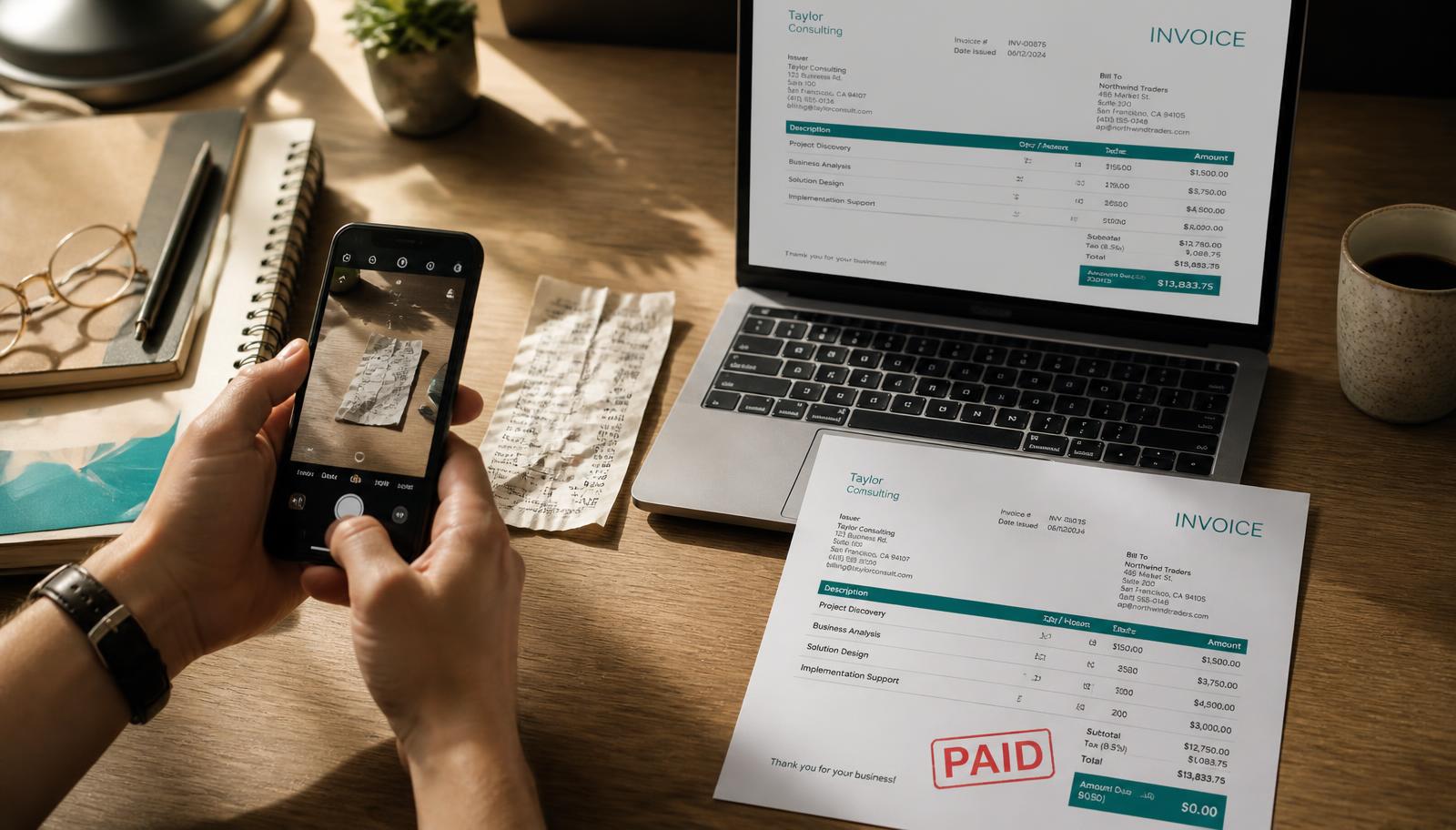
- capabilities, all listed below
- 83capabilities, all listed below
- ways to start an invoice
- 4ways to start an invoice
- languages read, handwriting included
- 40+languages read, handwriting included
- click from paid to receipt
- 1click from paid to receipt
Four ways in
However the paperwork arrives, it becomes an invoice you can send.
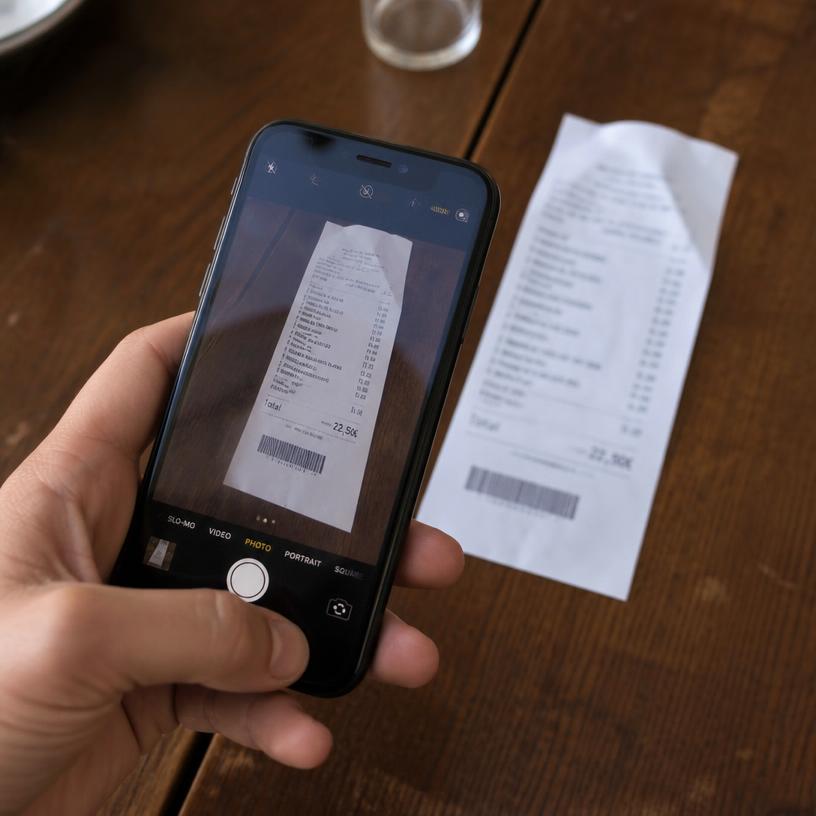 Snap it
Photograph the bill.
 Say it
Dictate the invoice out loud.
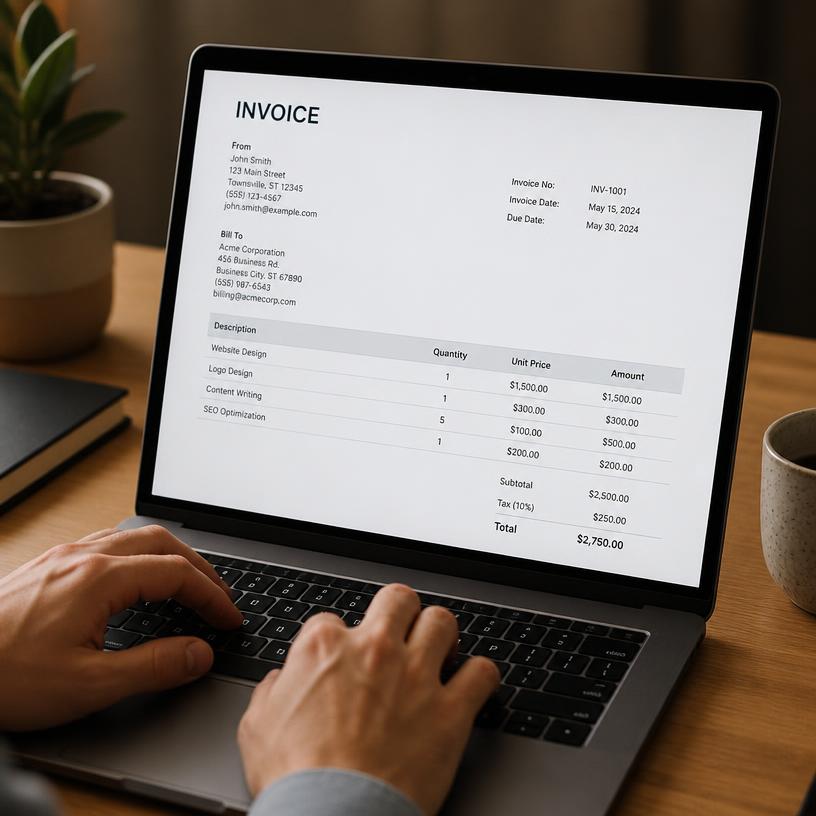 Type it
Just fill it in yourself.
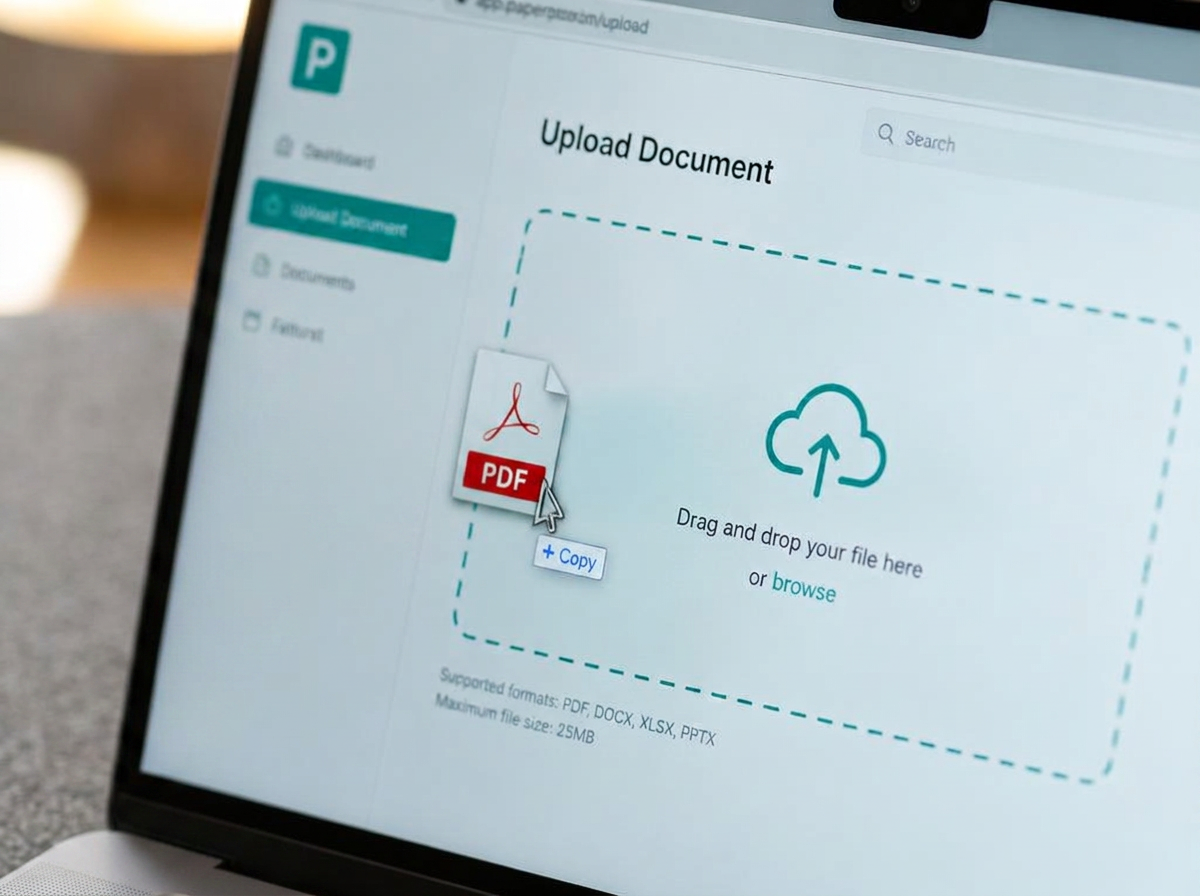 Upload it
Or, simply upload a doc.
Invoice → Paid → Receipt
Zemofin keeps the transaction connected from invoice to payment to receipt.
- 1
Create
A bill or an invoice.
- 2
Send
To the customer, client or patient.
- 3
Get paid
Record the payment.
- 4
Receipt
Issued against the invoice.
- 5
Record
It stays part of your books.
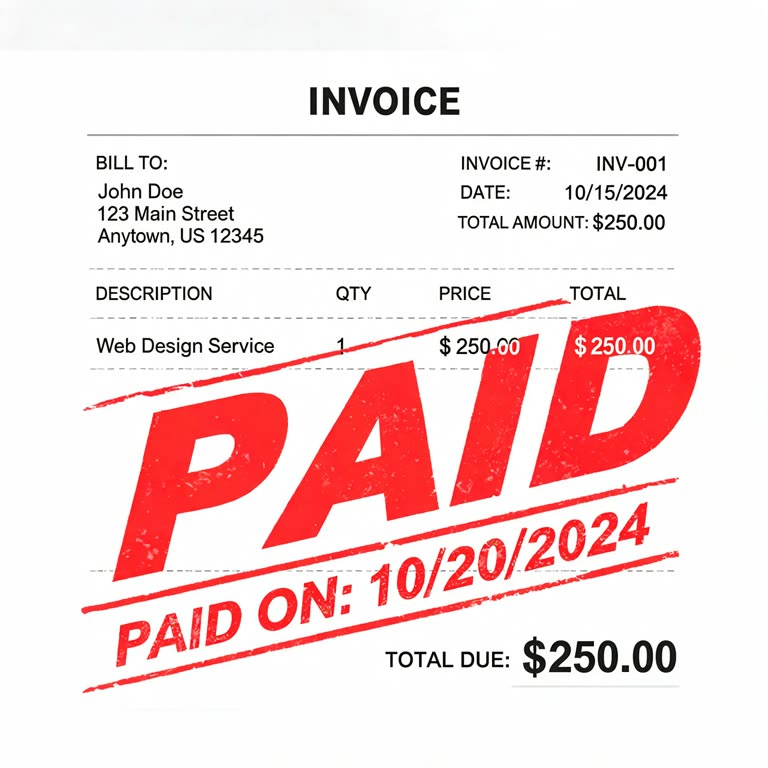
What you can get done
Create an invoice quickly
Start from scratch, or from a photo or PDF you already have. Line items, tax and totals filled in for you.
Send it and get paid
Email it with the PDF attached or share a link. Add a payment QR where it is supported.
Turn payment into a receipt
Mark the invoice paid and the matching receipt is issued against it — nothing re-entered.
Keep money in and money out together
Invoices, bills and expenses sit in one place, so the month adds up without a side spreadsheet.
Keep your records organised
Invoices, bills, receipts and source documents stay together and stay findable.
Work from documents you already have
Photograph it, dictate it, type it, or upload it. Handwriting and 40+ languages included.
Know what needs attention
Statuses, outstanding amounts and reminders show what is unbilled, unpaid or overdue.
How it fits together
Know what you’re owed, what’s been paid, and what came in.
- Invoices with your own tax fields
- Payment status on every document
- One-click “Paid” with an automatic receipt
- Part payments across open invoices
- Statement of account per client or case
- Automated payment reminders
- Recurring invoice drafts
- Public pay link and share link with QR
Keep track of what you spend, too.
- Bills received from vendors
- Vendor records and running tallies
- Multi-file bill intake straight from photos or PDFs
- Draft expenses you review before they count
- Duplicate detection on repeated bills
- Expense tracking alongside your invoices

Photos in. Invoices out. Done.
- Handwriting and printed text, 40+ languages
- Clean-up and spell-check pass
- Translate a finished table to English
- Per-cell confidence scoring
- Arithmetic sanity check on totals
- Enhanced second-pass reading on paid plans
- The original file is always kept untouched
Flagged, never silently corrected — you decide which number is the truth.
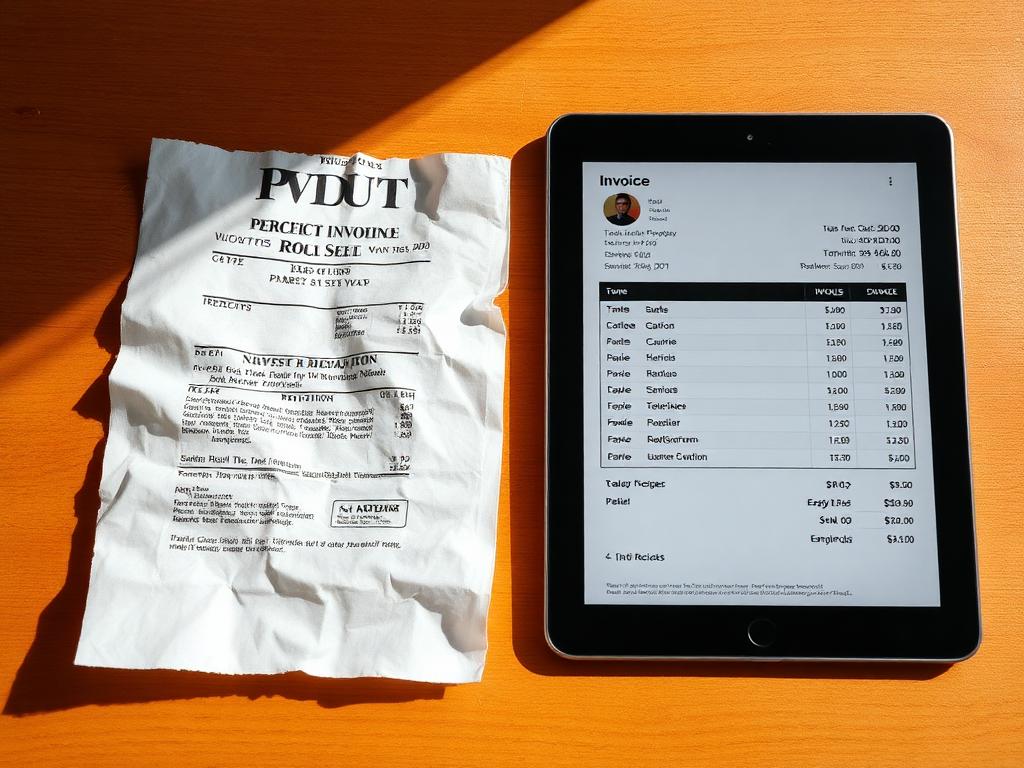
Your records stay useful after the transaction is finished.
- Statement of account, exportable to CSV and XLSX
- Account summary for any period — month, quarter or year, on your own financial calendar
- Quarterly filing pack: summary, sales, purchases, tax deducted and tax collected at source
- A statement of accounts emailed at the end of every quarter, off whenever you like
- Document history and per-document audit trail
- Monthly book closure with locked periods
- Scan analytics
- Full data export whenever you want it
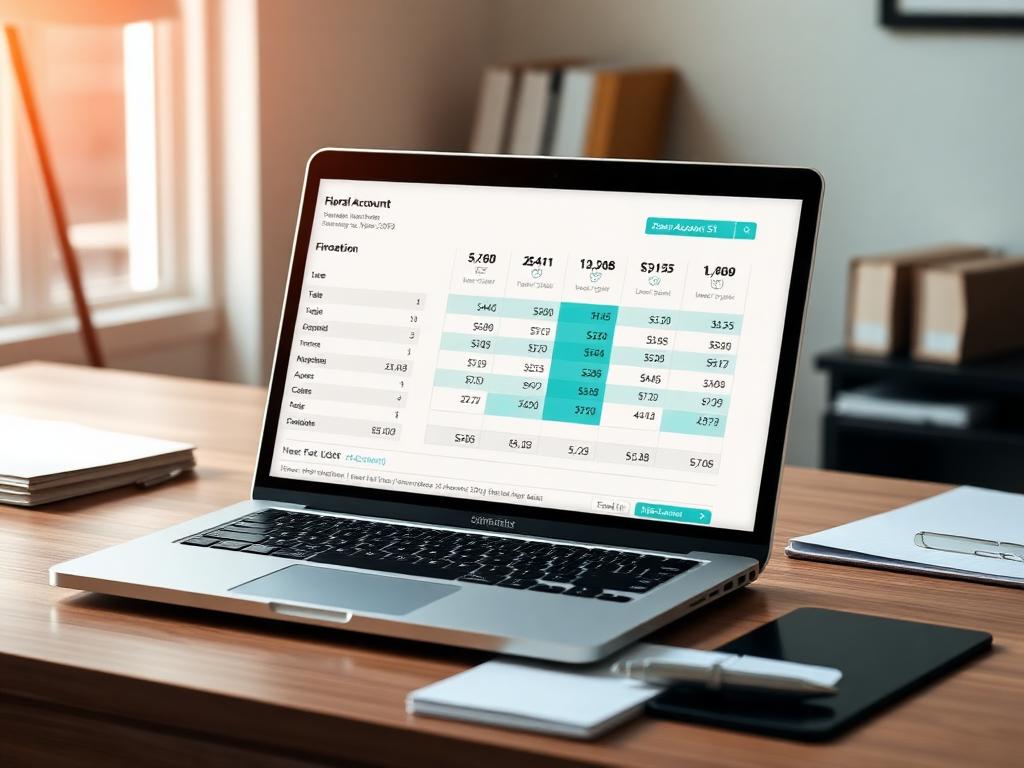
Every document sits with the person it belongs to.
- Cases or clients, named the way your work is named
- Case health strip: unbilled, unpaid, overdue
- Two-stage archive then delete
- Reopen any document from any device
Less of the repeat typing.
- Payment reminders that chase while you work
- Recurring invoice drafts
- Receipts written automatically on payment
- Email-in address for documents and receipts
- Ask Zemofin for an answer about your own books
Nothing is filed on your behalf. You stay in control of your records.
Get your work out in the shape you need.
- Export CSV, XLS, PDF and JSON
- Email the document as a PDF
- Save to Google Drive
- Share link with QR code and a delivery timeline

Your records, under your control.
- Full data export and one-click account deletion
- Anonymous trial keeps nothing after you close the tab
- Documents are private to your account
- Google sign-in supported
A REST API and an MCP server
On Pro, your documents are reachable programmatically, and AI agents can talk to Zemofin over MCP. Developer documentation.
Written for the way you actually bill
Doctors & dentists
Create a patient bill, record the payment, and issue the receipt while the financial record stays organised.
Freelancers
Send an invoice for a project, record the payment, and keep the receipt with the transaction.
Consultants
Track invoices, payments and expenses without building your own spreadsheet system.
Small businesses
Keep everyday sales, expenses, invoices and receipts together without adopting a full accounting system.
Two modes, one product

Freelancers, consultants, and small firms
The same invoice, receipt and money-out workflow, in your own currency and tax fields. General mode works anywhere in the world.

Clinics and independent doctors
Patient-facing paperwork with the vocabulary of a practice: treatment summaries, medicine schedules and clinical invoice templates. Clinical mode is available to practices in India only today — it is not supported outside India yet.
Everything Zemofin can do
A complete list of Zemofin's current capabilities — 83 of them. Looking for something specific? Find it here.
83 capabilities shown
- Capture & extraction
Document conversions
free: Unlimited (fair use)plus: Unlimited (fair use)pro: Unlimited (fair use)
- Capture & extraction
Photos to Tables
Line items out of a bill, receipt or ledger page.
freepluspro
- Capture & extraction
Intelligent OCR to Docs
Rebuilds the page as a readable document, not just a grid.
freepluspro
- Capture & extraction
Enhanced OCR (second-pass reasoning model)
freepluspro
- Capture & extraction
Multi-page PDF extraction
freepluspro
- Capture & extraction
Bulk / multi-file uploads
freepluspro
- Capture & extraction
Priority processing queue
freepluspro
- Capture & extraction
Max file size
A standing limit — identical on monthly and annual billing.
free: 15 MBplus: 15 MBpro: 15 MB
- Capture & extraction
Max per upload session
free: 15 MBplus: 15 MBpro: 15 MB
- Capture & extraction
Mobile camera capture
freepluspro
- Capture & extraction
Dictate line items aloud
freepluspro
- Capture & extraction
Edge detection and auto-crop on phone photos
Finds the page in the frame and straightens it before extraction.
freepluspro
- Accuracy & trust
Per-cell confidence scoring
freepluspro
- Accuracy & trust
Low-confidence cells highlighted
freepluspro
- Accuracy & trust
Arithmetic sanity check on totals
freepluspro
- Accuracy & trust
Spell-check and clean-up pass
freepluspro
- Accuracy & trust
Inline cell editing
freepluspro
- Accuracy & trust
Report a wrong reading (OCR correction loop)
freepluspro
- Accuracy & trust
Translate a finished table to English
freepluspro
- Accuracy & trust
Original file always kept untouched
freepluspro
- Cases / clients & storage — standing limits (same on either cycle)
Cases / clients
free: Up to 5plus: Up to 20pro: Up to 100
- Cases / clients & storage — standing limits (same on either cycle)
Stored files
free: 20plus: 100pro: 500
- Cases / clients & storage — standing limits (same on either cycle)
Storage included
free: 200 MBplus: 500 MBpro: 1024 MB
- Cases / clients & storage — standing limits (same on either cycle)
Storage bonus for emailing 25 clients
A Free-plan reward — paid plans start with far more room.
free: +50 MBpluspro
- Cases / clients & storage — standing limits (same on either cycle)
Reopen documents from any device
freepluspro
- Cases / clients & storage — standing limits (same on either cycle)
Two-stage archive then delete for clients
freepluspro
- Cases / clients & storage — standing limits (same on either cycle)
Read-only window if you downgrade
freeplus: 6 monthspro: 6 months
- Billing documents
Invoices & receipts per financial year
free: 15plus: 100pro: No cap
- Billing documents
Bills per financial year
free: 30plus: 200pro: No cap
- Billing documents
One-click “Paid” with auto receipt
free: 25plus: 200pro: No cap
- Billing documents
Part payments across open invoices
freepluspro
- Billing documents
Custom tax fields (GST, cess, local levies)
freepluspro
- Billing documents
Payment QR on the invoice (INR / UPI)
freepluspro
- Billing documents
Public pay link
freepluspro
- Billing documents
Recurring invoice drafts
freepluspro
- Billing documents
Automated payment reminders
freepluspro
- Billing documents
Document versioning instead of overwrite
freepluspro
- Billing documents
Duplicate / delete documents
freepluspro
- Billing documents
Duplicate with changes
Reuse a document and edit the few fields that differ before saving.
freepluspro
- Billing documents
128-barcode on documents
freepluspro
- Billing documents
A4 print preview with 1-inch constraints
freepluspro
- Billing documents
Invoice template designs
free: 1plus: Allpro: All
- Billing documents
Template Studio — customise a profession template
freepluspro
- Billing documents
Saved template versions with lineage
Every save writes the next version, so an earlier one is never lost.
freepluspro
- Billing documents
Mark a template reusable as a starting point
freepluspro
- Billing documents
Profession template picked for you at signup
freepluspro
- Clinical mode (doctors, clinics, labs)
Clinical vocabulary across the workspace
freepluspro
Clinical mode — available in India only today.
- Clinical mode (doctors, clinics, labs)
Treatment Summary document
freepluspro
Clinical mode — available in India only today.
- Clinical mode (doctors, clinics, labs)
Invoice only / Invoice + Summary / Summary only
freepluspro
Clinical mode — available in India only today.
- Clinical mode (doctors, clinics, labs)
Clinical findings, care plan and medications sections
freepluspro
Clinical mode — available in India only today.
- Clinical mode (doctors, clinics, labs)
Medicine schedule shorthand (BF 1 | LN 0 | DN 1)
freepluspro
Clinical mode — available in India only today.
- Clinical mode (doctors, clinics, labs)
Clinical invoice template set
freepluspro
Clinical mode — available in India only today.
- Bookkeeping & reporting
Statement of account
freepluspro
- Bookkeeping & reporting
Statement export to CSV / XLSX
freepluspro
- Bookkeeping & reporting
JSON export
freepluspro
- Bookkeeping & reporting
Monthly book closure / locked periods
freepluspro
- Bookkeeping & reporting
Expense tracking
freepluspro
- Bookkeeping & reporting
Money Out — vendors, bills and expense drafts
The four-step money-out flow with vendor records and running tallies.
freepluspro
- Bookkeeping & reporting
Case health strip (what is overdue, unbilled, unpaid)
freepluspro
- Bookkeeping & reporting
Timesheet workspace
freepluspro
- Bookkeeping & reporting
Time tracking billed straight onto an invoice
freepluspro
- Bookkeeping & reporting
Audit trail per document
freepluspro
- Bookkeeping & reporting
Scan analytics
freepluspro
- Bookkeeping & reporting
Read-only accountant / CA access
freepluspro
- Assistant & automation
Ask Zemofin copilot
free: 50 questions / monthplus: 200 questions / monthpro: Fair-use, highest ceiling
- Assistant & automation
Semantic search across your documents
freepluspro
- Assistant & automation
Support chat with ticket references
freepluspro
- Assistant & automation
Email-in address for documents
freepluspro
- Assistant & automation
Receipt intake — mail a receipt in, get a draft expense
Forwarded receipts are read and queued as a draft you approve.
freepluspro
- Sharing & delivery
Export CSV, XLS and PDF
freepluspro
- Sharing & delivery
Save to Google Drive
freepluspro
- Sharing & delivery
Email the document as a PDF
freepluspro
- Sharing & delivery
Share link with QR code
freepluspro
- Sharing & delivery
Delivery timeline (what was sent, when)
freepluspro
- Developer access
REST API keys
freepluspro
- Developer access
MCP server for AI agents
freepluspro
- Developer access
Developer dashboard and call logs
freepluspro
- Account, privacy & support
Nothing retained after you close the tab
freepluspro
- Account, privacy & support
Full data export
freepluspro
- Account, privacy & support
One-click account deletion
freepluspro
- Account, privacy & support
Google sign-in
freepluspro
- Account, privacy & support
Monthly or annual billing
freepluspro
- Account, privacy & support
Priority support response
freepluspro
Which plan fits?
The plans differ on volume and a handful of advanced capabilities — not on the core invoice, payment and receipt workflow.
See pricing