
Your account books, without bookkeeping.
Create an invoice in under a minute. Get paid; know exactly how much came in and how much went out.
Free to start — no card
Four ways to create an invoice
Begin with whichever feels most natural. Zemofin turns each one into the same polished invoice.
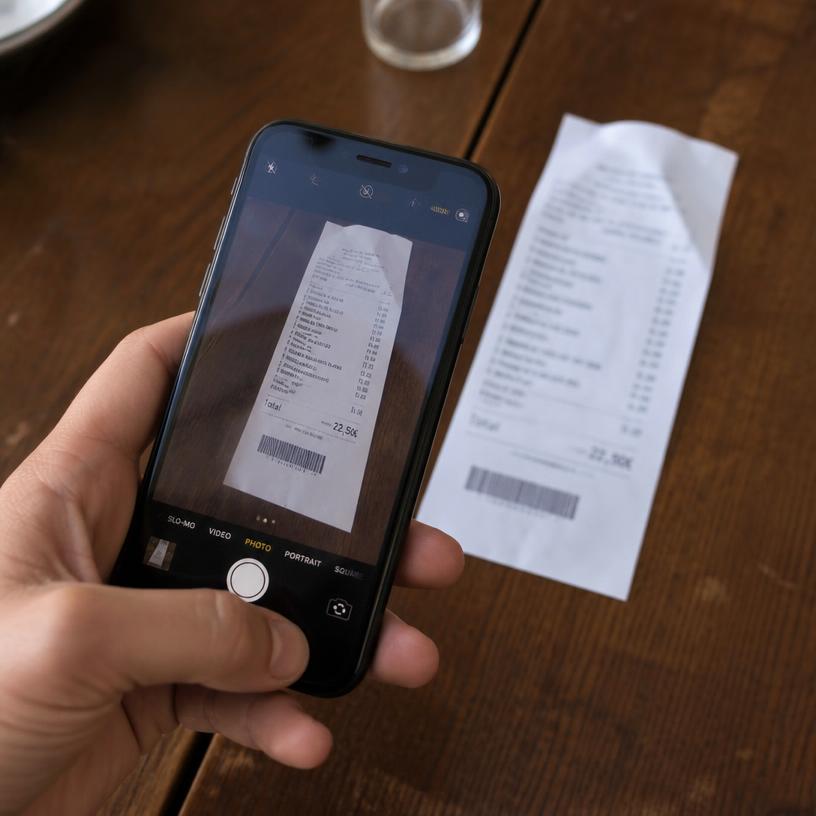 Snap itPhotograph the bill.
 Say itDictate the invoice out loud.
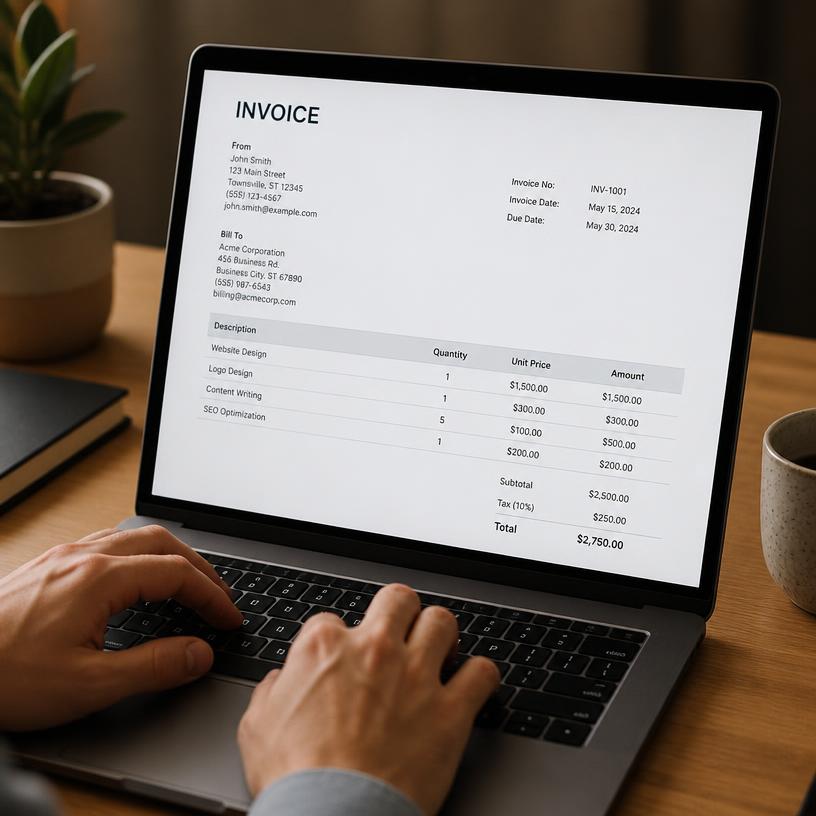 Type itOr just fill it in yourself.
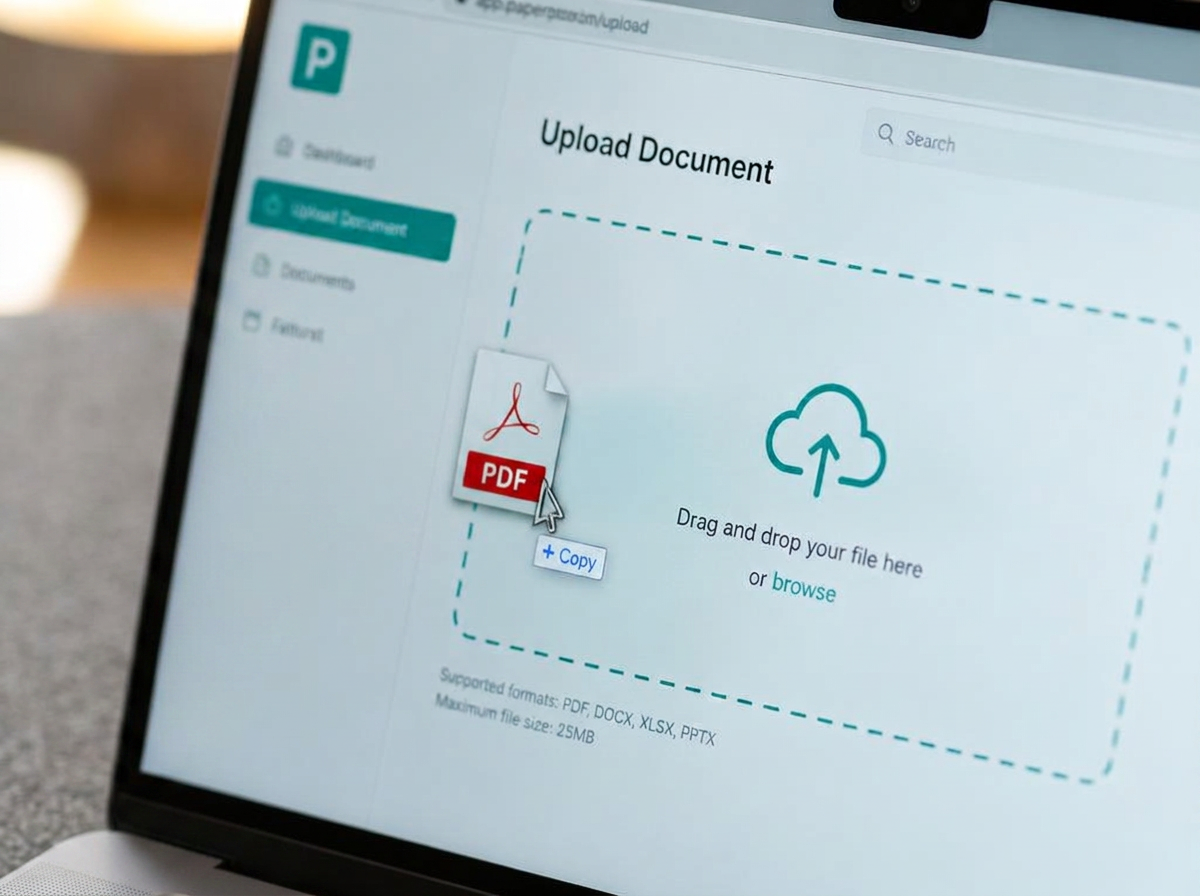 Upload itOr, simply upload a doc.
Snap it. Send it. Get paid.
Three steps, one minute, no bookkeeping vocabulary. This is the real screen order — not a marketing illustration.
A paper bill on your desk
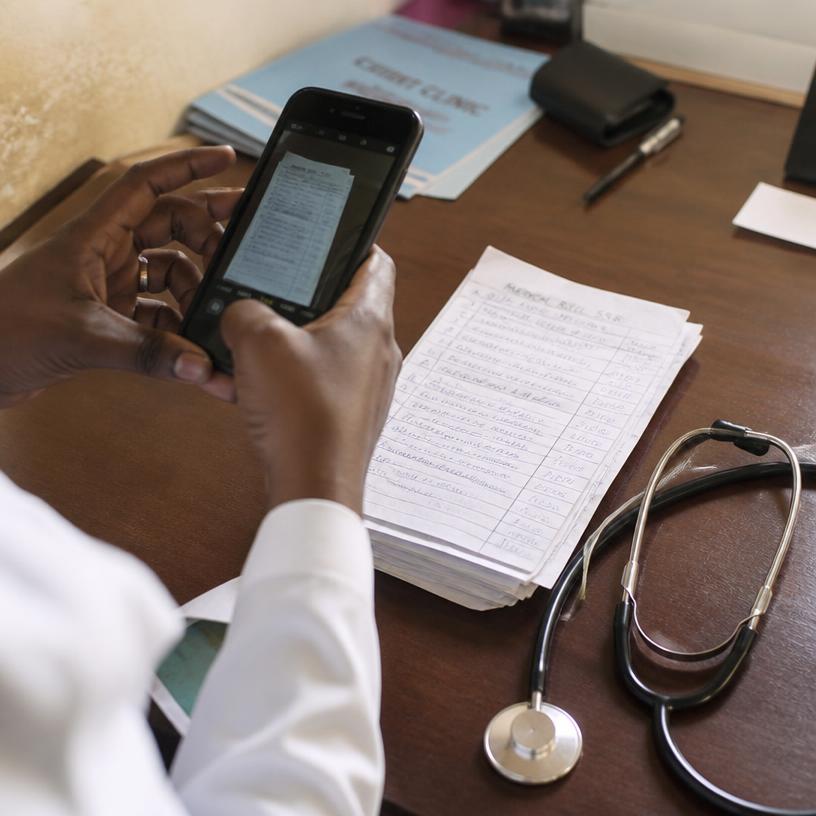
Snap it, dictate it, type it, or upload it. Handwriting and 40+ languages included.
Every field scored. Anything doubtful is flagged, never guessed.
What came in? What went out? What is left?
Two flows, one answer. Raise the invoice, mark it paid, and the receipt writes itself. Log the bills you paid and the month nets out on its own — no ledgers, no journal entries, no accounting vocabulary to learn.
Money In
- Invoice a client or a case
- Reminders chase it for you
- Marked paid — receipt issued
Money Out
- Upload or snap the bills you paid
- Vendors and expenses, tagged
- Nothing typed twice
—
In − out
One net figure on your home screen, in your own currency, updated the moment anything is paid.
People who stopped dreading their paperwork
Every quote below was written by a Zemofin customer who gave us consent to publish it, and can be withdrawn at any time.
“I used to spend my evenings copying handwritten bills into a spreadsheet. Now I photograph them and check the numbers. That is the whole job.”
Real customers, published with consent. Any testimonial can be withdrawn at any time.
Who it is for
Anyone who invoices people and would rather not run a bookkeeping department.
Freelancers, consultants, and small firms
Invoices, receipts, vendor bills and expenses against a client or a case — with statements, aging and time tracking when the work is billed by the hour.
- Clients and cases, not chart-of-accounts codes
- Statements of account and aging per client
- Time and expenses flow into the invoice
Clinics and independent doctors
Clinical mode gives patient-safe wording, clinic-shaped invoices and a UPI QR on every rupee bill. Available in India today — more countries coming.
Clinical mode is available to practices in India only today — it is not supported outside India yet. General mode works anywhere in the world.
Start with one job, not a migration
Try the piece you need today — five documents, no account. The same account then carries the invoice, the receipt and the month forward.
- Handwritten bills to Excel
A photo of a paper bill, back as a clean table you can export.
- Invoice generator
A sendable invoice in under a minute, in your own currency.
- Document rebuild
The whole page rebuilt as a document that looks like the original.
Flagged. We never quietly guess.
Six steps run on every page you hand over. When a field is doubtful it is marked and sent to you — never smoothed over into a number that looks confident.
- 01ExtractRead the page — handwriting included.
- 02CleanDrop the noise the camera added.
- 03CheckSpell-check the line items.
- 04TranslateAny of 40+ languages, only if you ask.
- 05ScoreEvery field gets a confidence number.
- 06ReviewAnything doubtful comes to you.
Read as “Rs. S40”
Corrected to “Rs. 540”
The doctor's “5” mistaken for an “S” — caught, fixed, and shown to you with its score rather than buried.
A bill in another language comes back in English if you ask — and only if you ask.
Totals are re-added independently of the AI, so a column that does not sum tells you before your client does.
Compliance complexity underneath. Simplicity on top.
Anonymous uploads are never stored on our servers. Once you sign in we keep only what you ask us to keep — and you can export or delete all of it in one click. Nothing you upload is used to train models.
These badges reflect our own documented practices and testing, maintained by Zemofin — they are not third-party certifications or audits.
Questions people ask before their first upload
Nothing you upload anonymously is stored on our servers — privacy here is a default, not a setting you have to find.
Your books, sorted this evening
Start with one invoice. Nothing to migrate, nothing to configure.
Free to start — no card
See pricingGet the occasional product note
New features, accuracy improvements and billing changes — a few emails a quarter, never a drip campaign. Unsubscribe in one click.